
Your project. Everyone’s studio.
Invite people into your project with a link. Record them, edit with them, listen together. No files to send, nothing for them to install.
Lea
Lyon
Marc
Brussels
Sam
RecordingAt home
Alex
In class
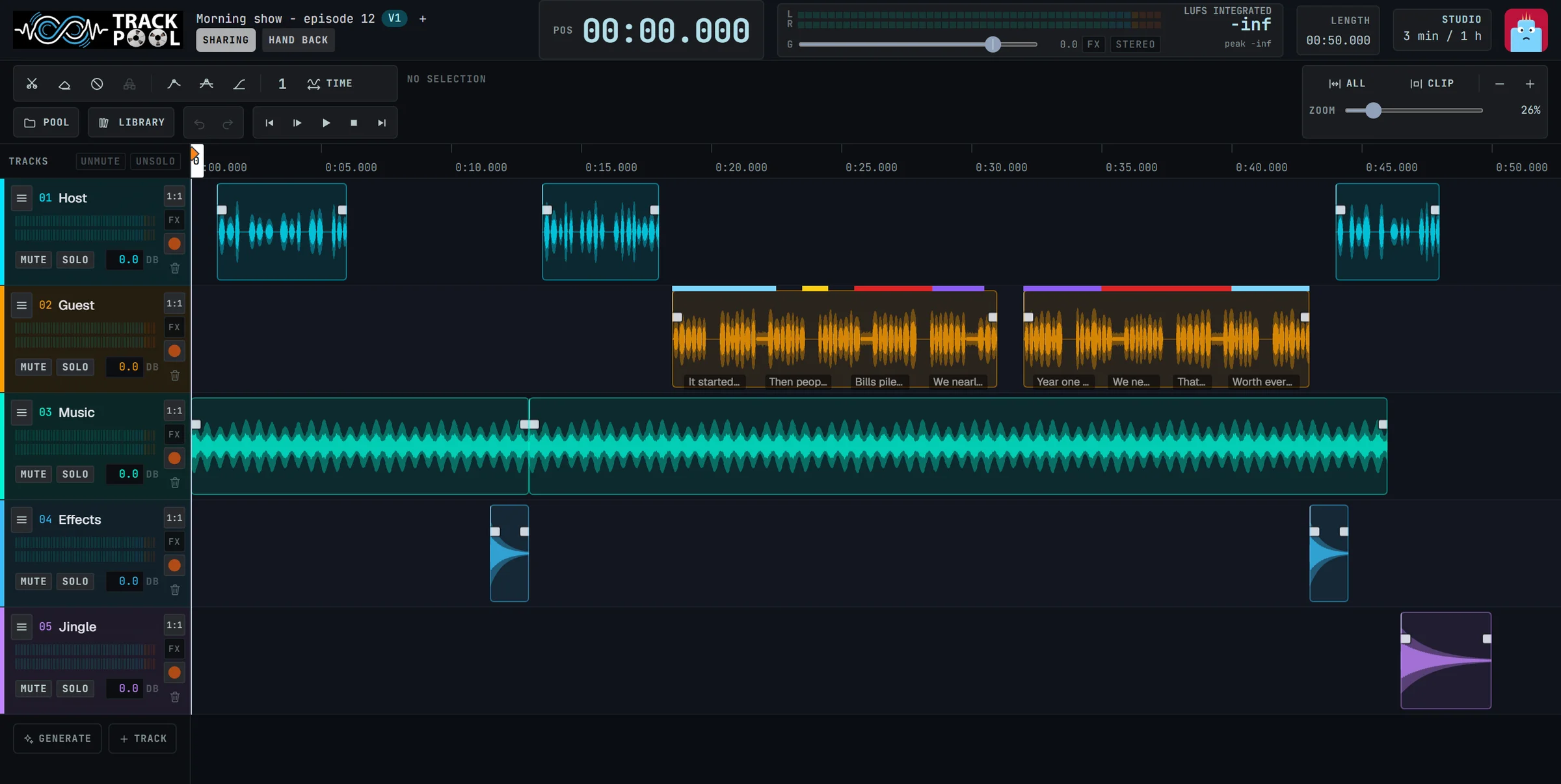
Record someone who is not in the room.
Your voice actor is at home. Your guest is in another country. Send them a link and record them straight onto a track of your project.
Pick the track and the starting point, send the link, and set ready. The take lands on that track.
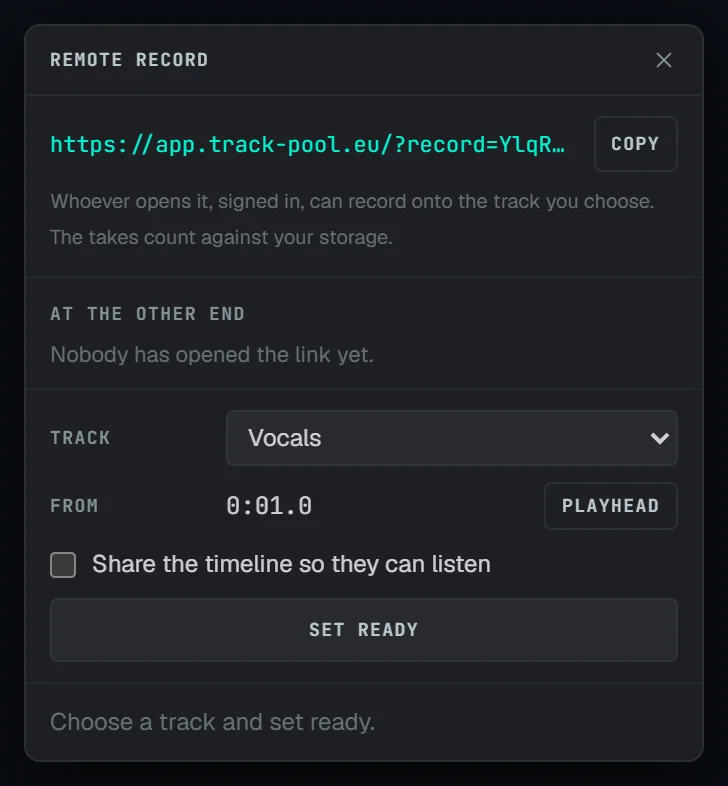
They open the link, enable their microphone and press Record. Nothing to install.
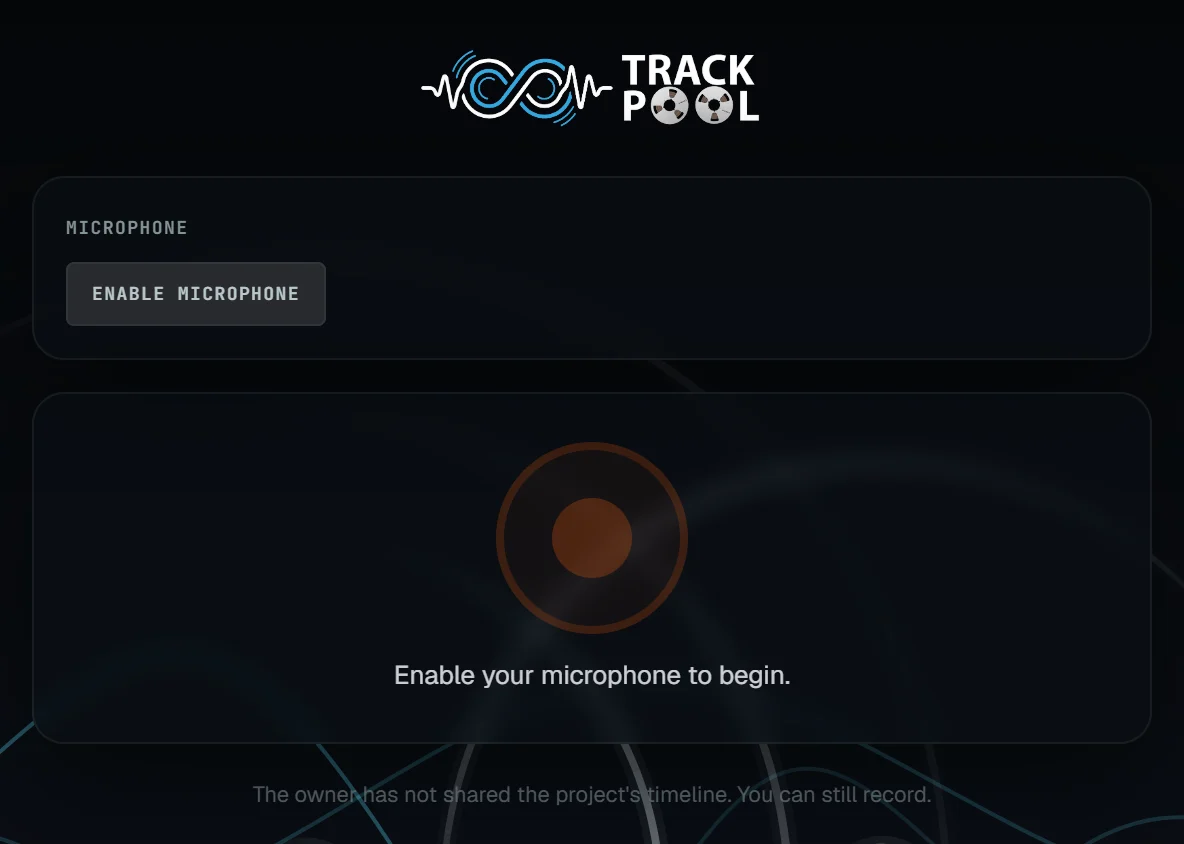
They can hear your project while they record, so they speak in time with the music or the other voices.
Send a link.
Pick the track, copy the link, send it by message or email.
They press Record.
On their own computer, tablet or phone, with their own microphone. Nothing to install: they sign in and record.
The take is in your project.
You see it appear while they are still speaking. Keep it, or ask for another one.
Sharing is one click.
No export, no upload, no "which version is the latest?". The link always opens the real project.
Listen only, or edit.
You decide for each person.
One link per person.
Stop one at any time without disturbing the others.
Nothing to install on their side either.
They click, it opens.
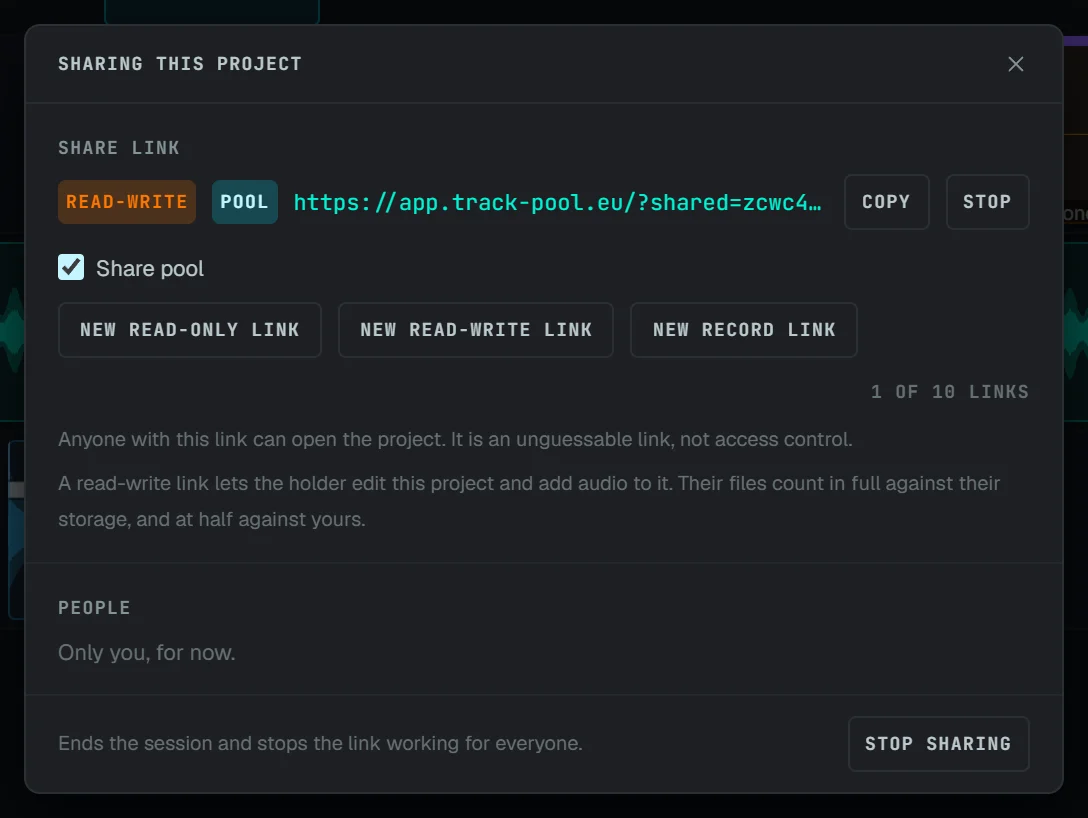
Take turns, live.
Everyone in the session sees the same project as it changes. One person edits at a time: the others watch, follow along, and take over when it is their turn.

The project is shared and you hold the pen. Press Hand back when you are done, so somebody else can take over.

They see every change as you make it. With Follow ticked they play what you play. When you hand back, they can take over.
Up to 16 people
Your whole cast, band or class in the same session.
One person edits at a time
Nobody edits on top of anyone else, so nobody undoes anyone else's work.
Take over, hand back
Take over when it is your turn, hand back when you are done.
Follow along
Tick Follow and you hear what the editor plays, and keep their cursor in view.
Drop sounds from any shared library directly onto your timeline
Bring your sounds. Use theirs.
Each person has a personal collection of sounds. In a shared project, your guest can see your collection and drag sounds from their own straight onto your tracks.
No external cloud storage accounts required. Everything uploaded during the session stays right where you can find it.
What it looks like in real life.
Built for everyday audio collaboration, without friction or technical hurdles.
The director and the actor.
The actor records at home. The director listens, gives notes, and gets the takes directly in the project. No studio to book.
The podcast team.
One host records the guest remotely. The other cuts the episode in the same project. They listen to the result together before publishing.
The class project.
Four students, one project. Each records their part from home. The teacher opens the link and listens.
Invite someone into your studio.
Start a project, send the link. That is all.
Your guests never need an account.