You will be recording in two minutes.
No manual to read. Track-Pool shows you what to do as you go.
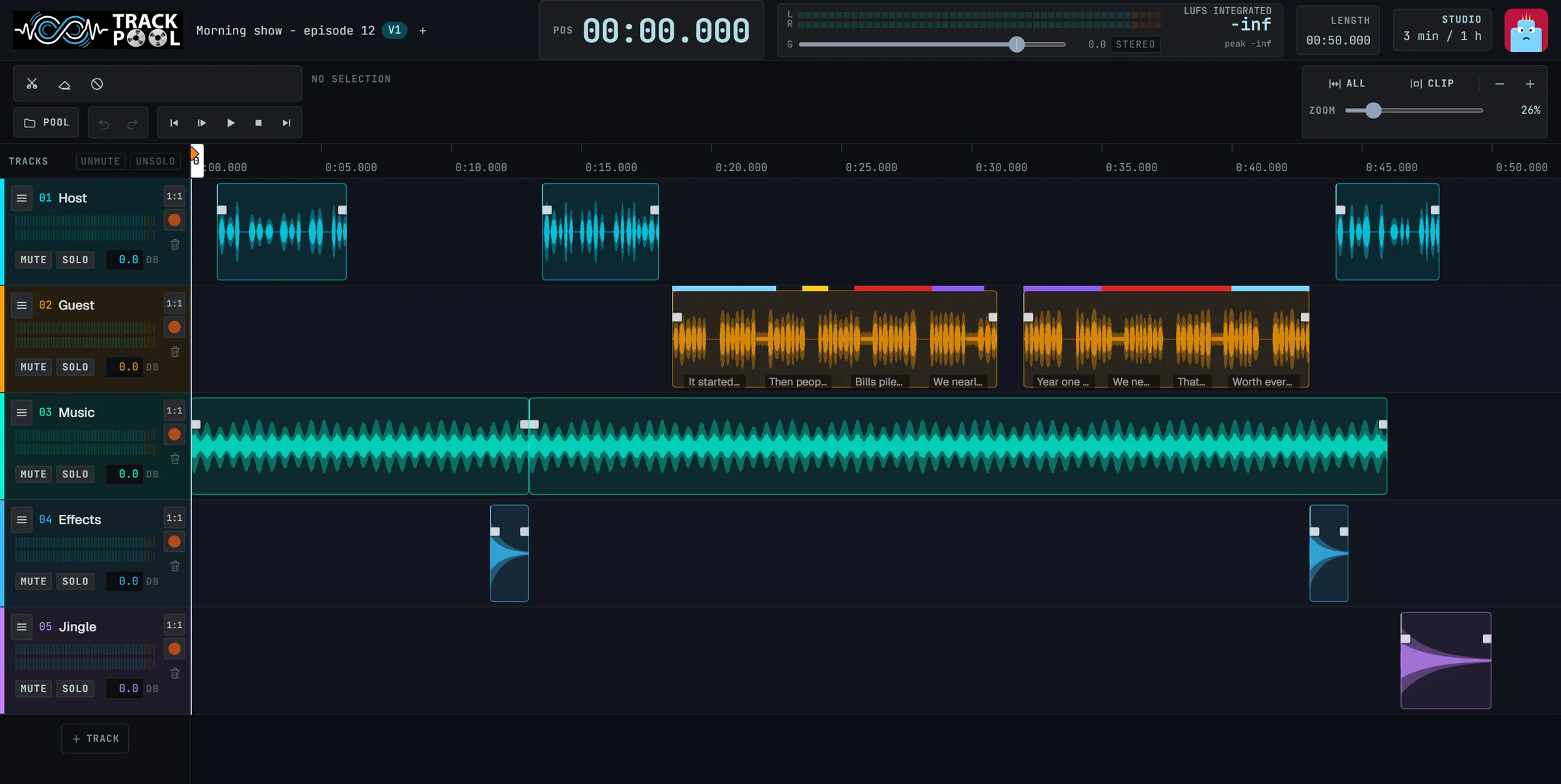
Tip: Press Spacebar to play or pause your project.
Three steps. That is all.
No hardware setup wizards, no licensing dongles, no plugins to configure.
Open Track-Pool.
In your browser. There is nothing to download.
Choose your microphone.
The ones connected to your computer are already in the list.
Press Record.
Then cut, move and share.
Help is inside the studio.
You should never have to leave your project to find out how something works.
Guided tours.
Short step-by-step tours for the first recording, the first edit, effects, AI tools and sharing. Follow them at your own pace.
Tip of the day.
One useful trick each time you open the studio.
Double-click any clip to split at the playhead position instantly.
Hints on every button.
Rest the pointer on a control and read, in a plain sentence, what it does.
Clear messages.
When something cannot be done, Track-Pool tells you why and what to do instead.
Plug in your USB microphone or click “Allow” in your browser prompt above to grant audio permission.
New students or colleagues learn on their own, inside the app. You do not have to train them.
As simple as you want. As complete as you need.
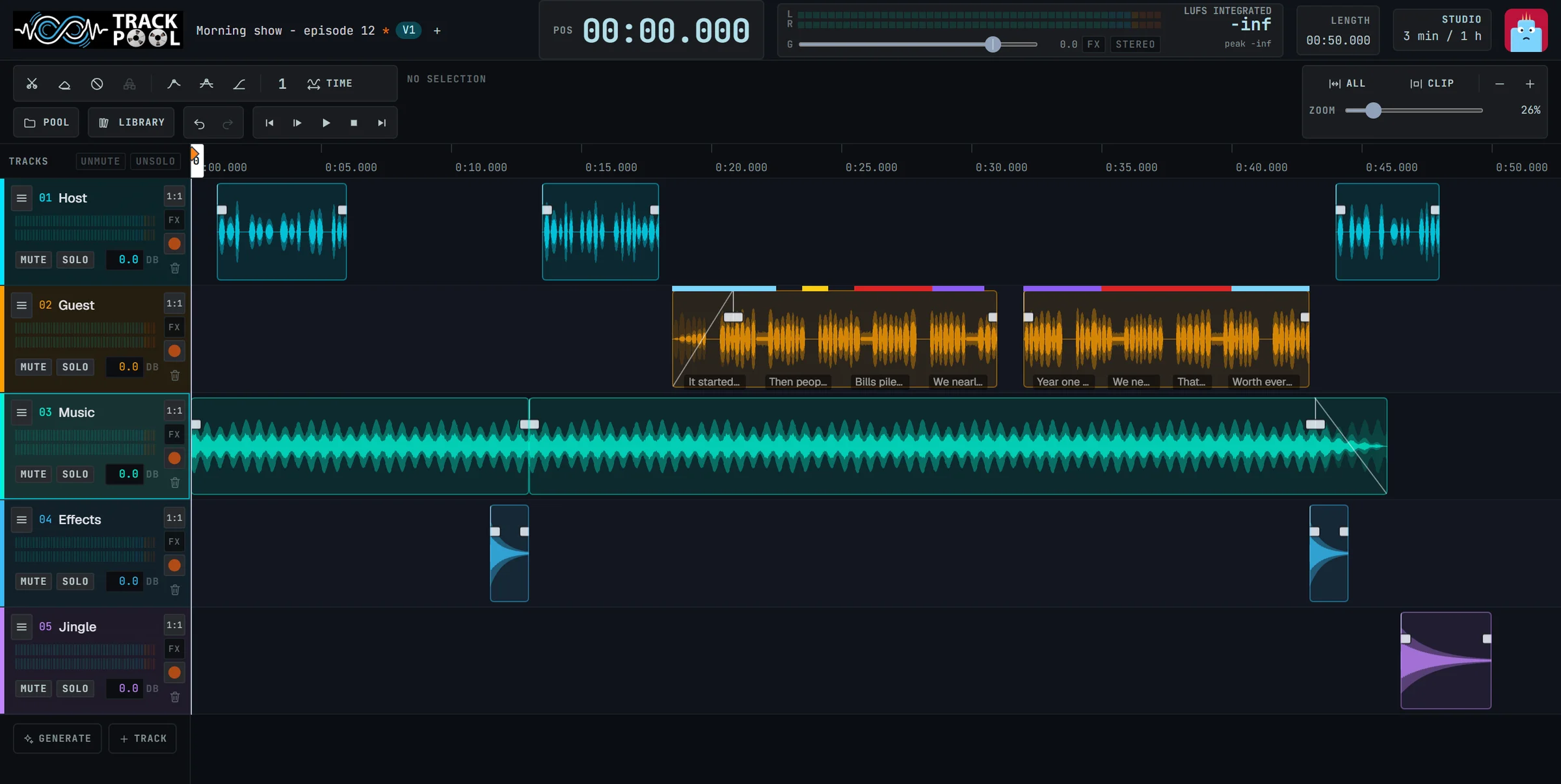
Basic mode shows only the essential tools, perfect for a first project. One switch brings back everything when you want more.
Essential tools only.
Just your mic, a big friendly record button, and easy cuts. Ideal for classrooms, beginners, and fast voice memos.
Deep precision control.
Multi-track routing, stems separation, custom EQ automation curves, live collaborative cursors, and gain trimming.
Everything in one place.
Keep track of your storage, collaborators, version revisions, and original source recordings without messy desktop folders.
Your space.
See how many minutes you have used and what is taking the room.
Your links.
See who you shared with. Stop a link in one click.
Your versions.
Reopen an earlier version or an earlier save of any project.
Your sounds.
Everything you recorded, imported or created with AI, kept tidy: each improved sound sits under the original it came from.
Make it yours.
Track-Pool can carry your name and your logo.
Sign-in cards.
Create cards for a whole class or a whole team and print them.
A simple control room.
See who is signed in, how much space is used, and manage accounts and plans.
Your messages.
Adapt the emails people receive, in English, French or Dutch.
Still have a question?
Write to us. A real person answers.